Stop juggling apps.
Start getting things done.
Tasks, notes, calendar, and meetings in one connected workspace. AI plans your day. On-device AI keeps your data private.
Free while in beta. No credit card.
How Cadeo connects your day
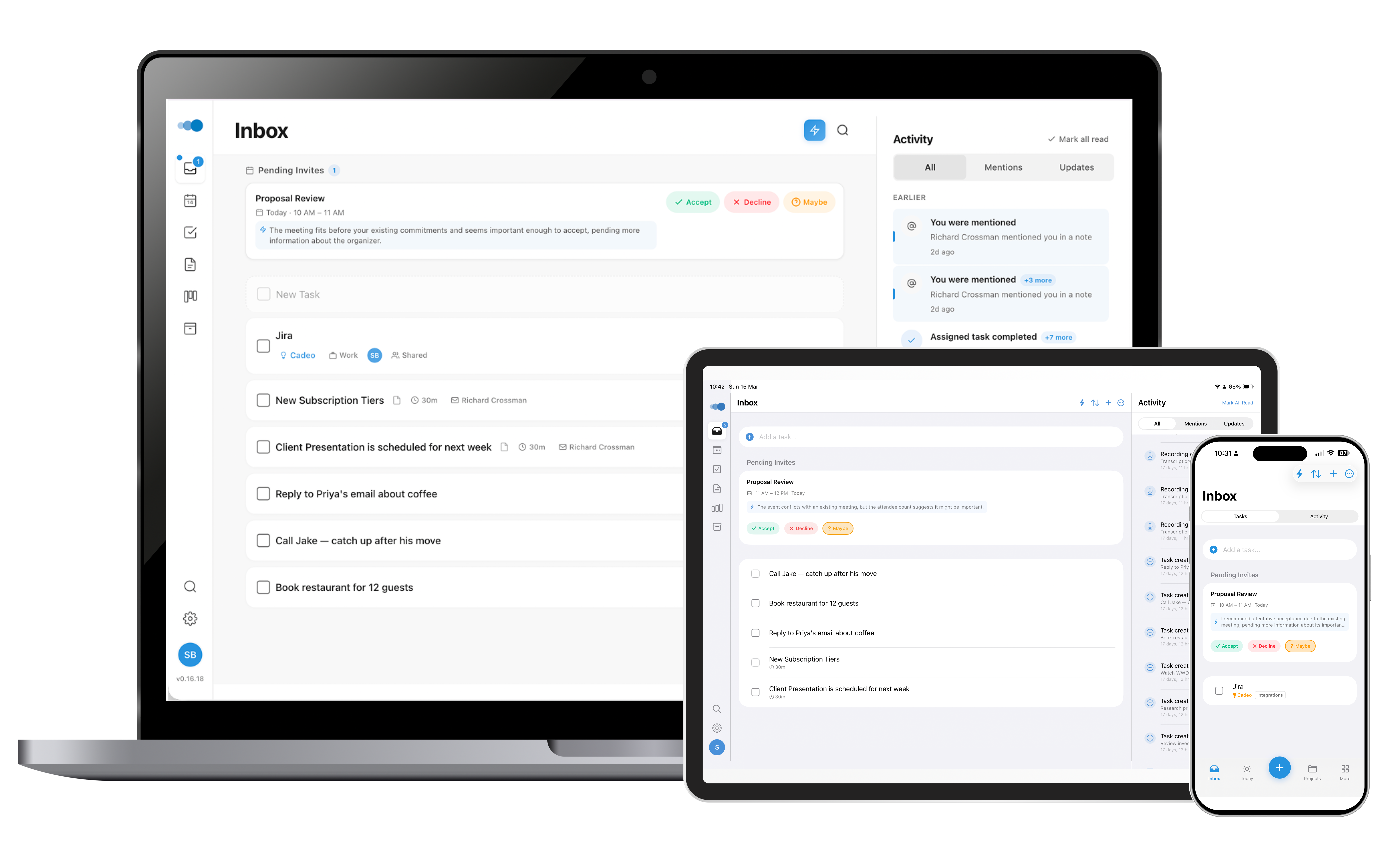
It starts with your inbox
Tasks come from everywhere — email, meetings, ideas. Cadeo catches them all in one inbox, then AI helps you sort, prioritize, and assign them.
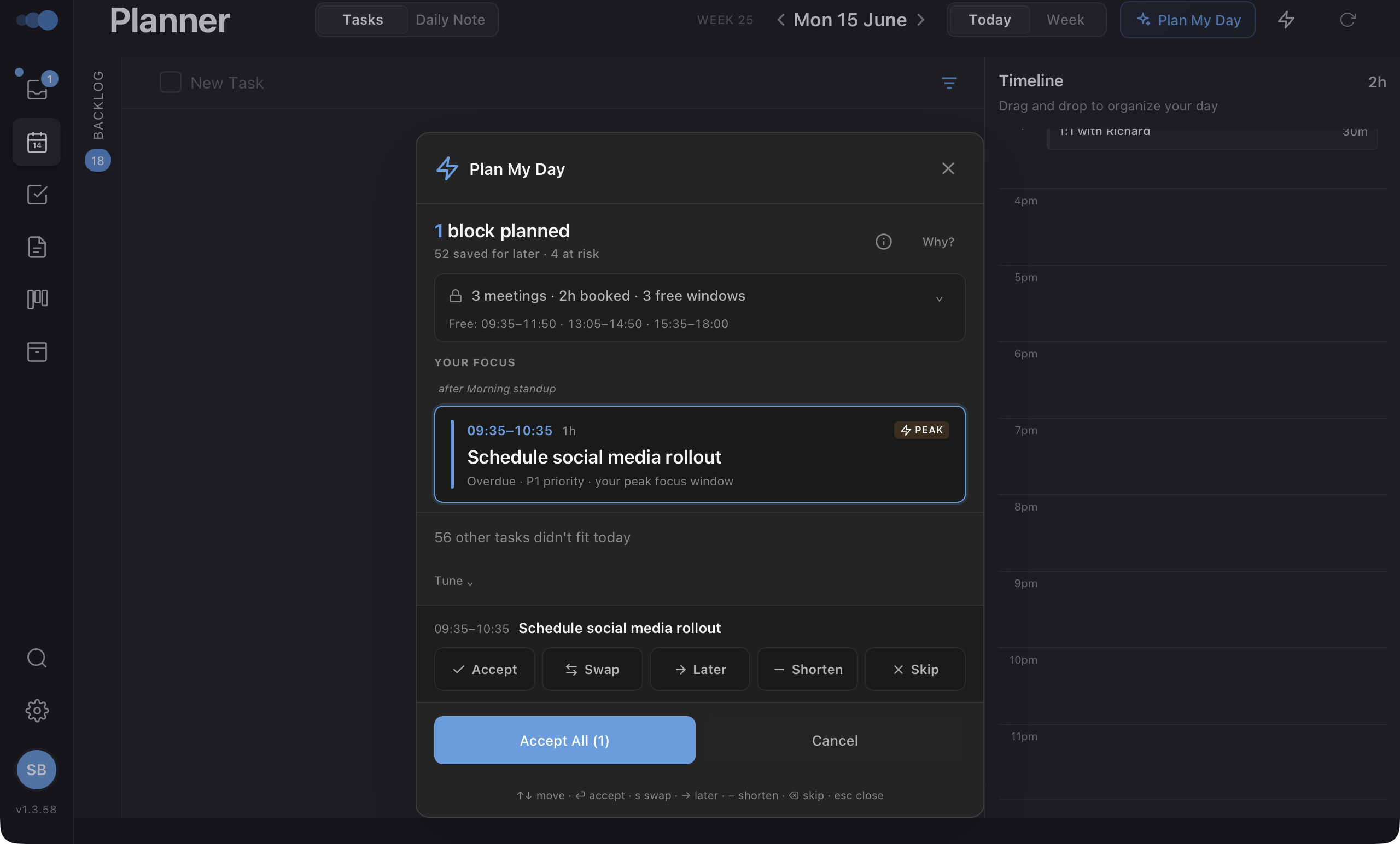
AI plans your day
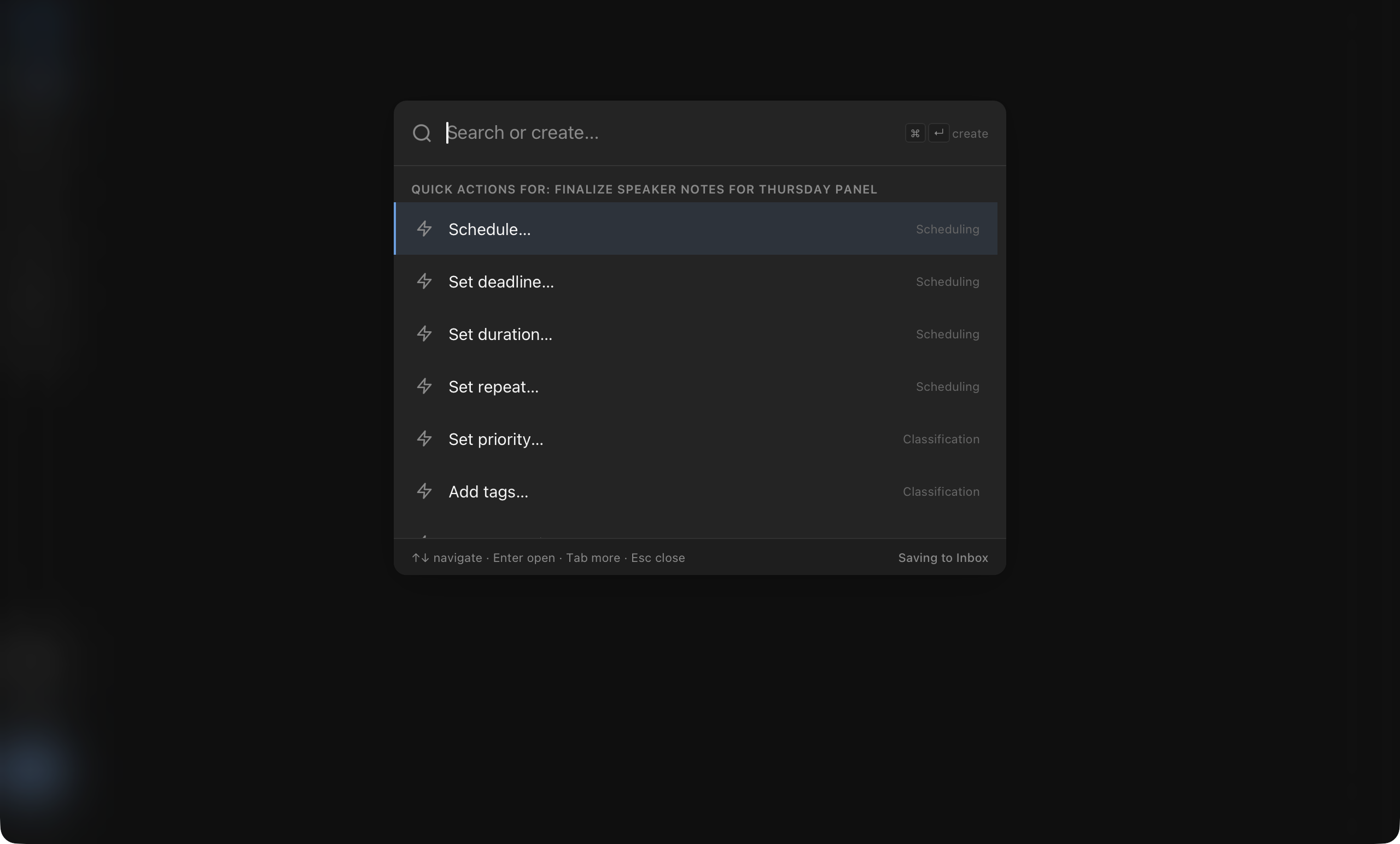
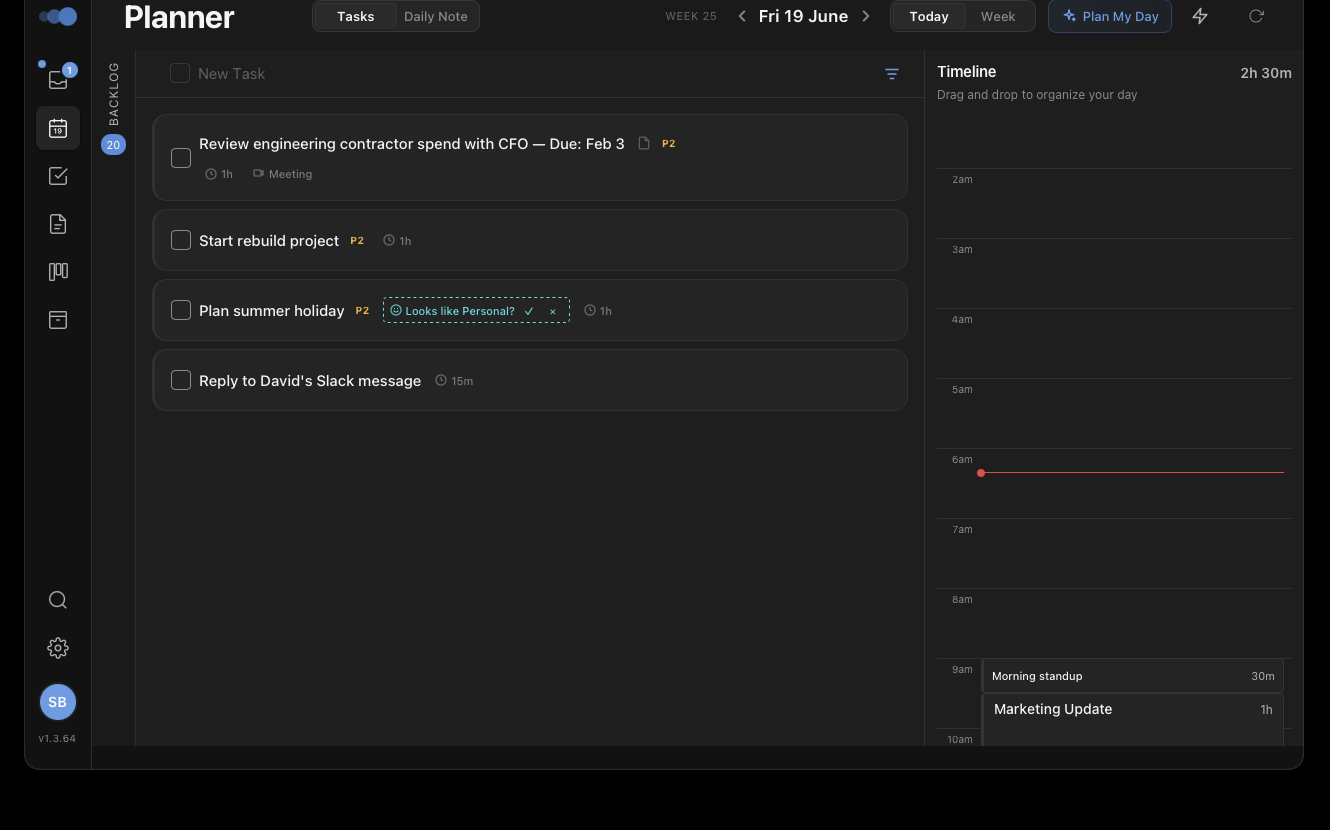
One tap. Cadeo looks at your tasks, deadlines, calendar, and energy patterns — then builds your day. On-device AI means it works offline, and your data never leaves your machine.
Your timeline comes alive
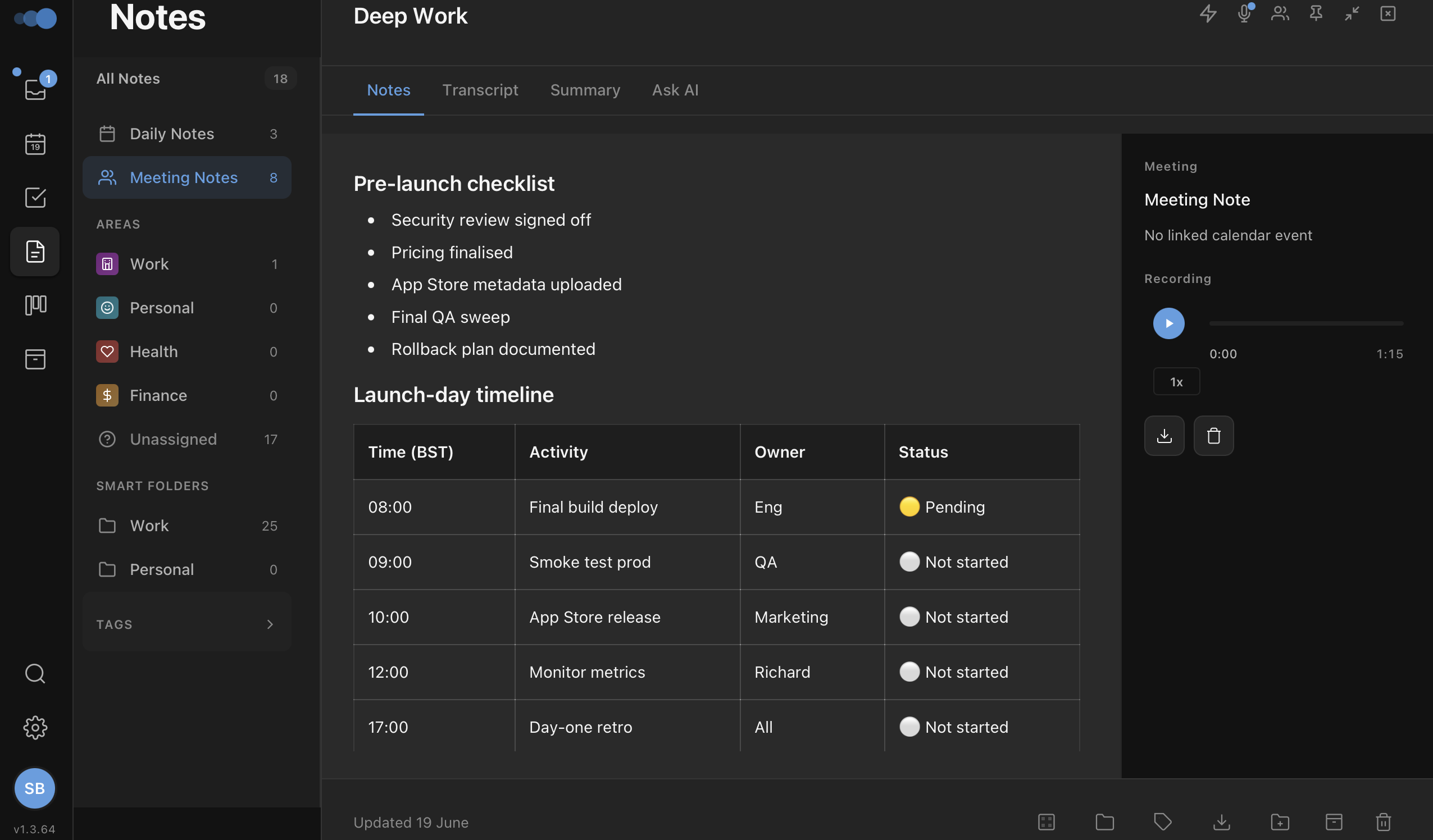
Tasks, events, and notes on one timeline. Drag to reschedule. Click to open. Everything connected — a meeting note links back to its event, a task links to its project.
Tasks, calendar, and notes on a single view. No more switching apps.
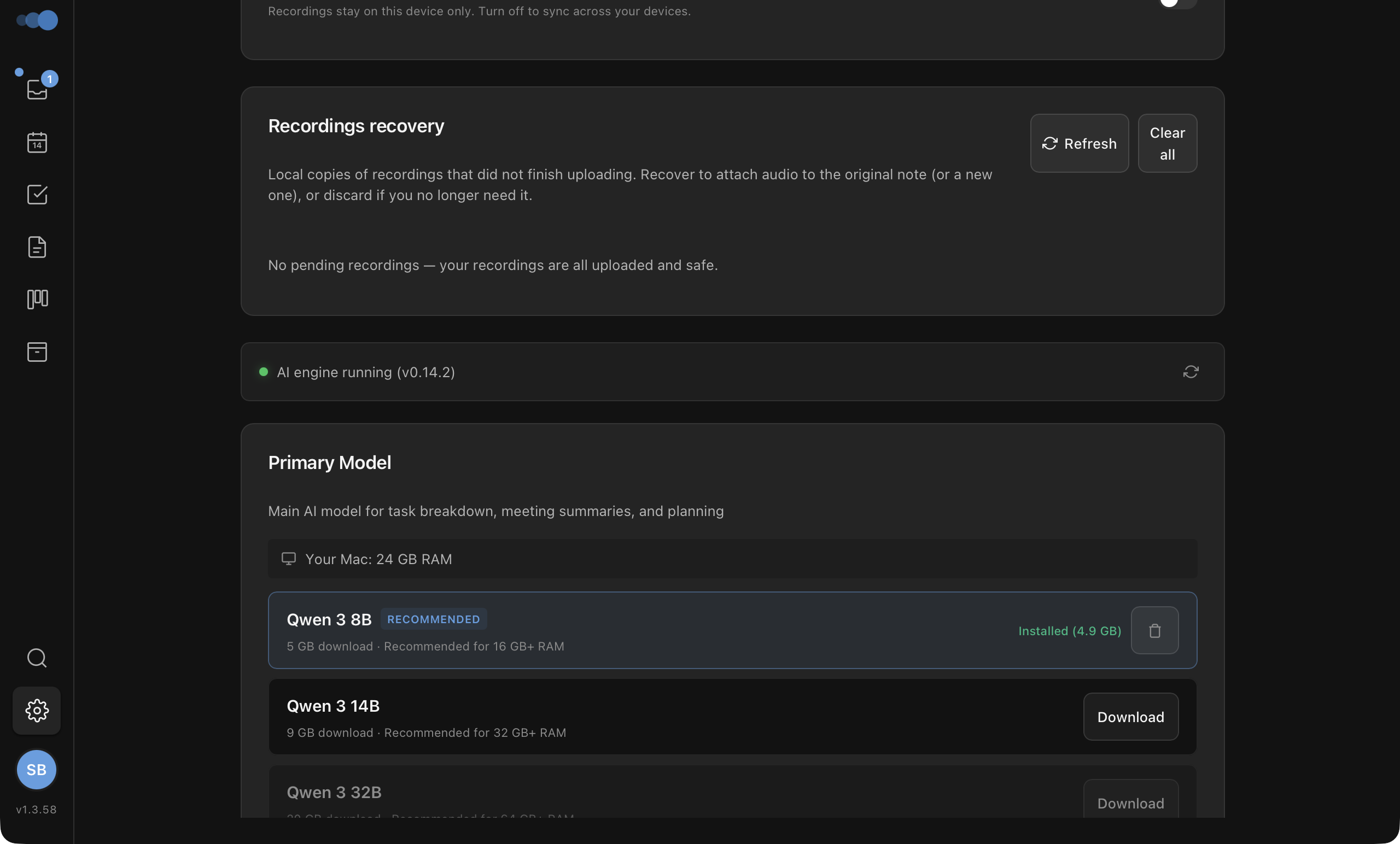
On-device AI means your data never leaves your machine.
Built with Tauri and SwiftUI. Fast, native, not an Electron wrapper.
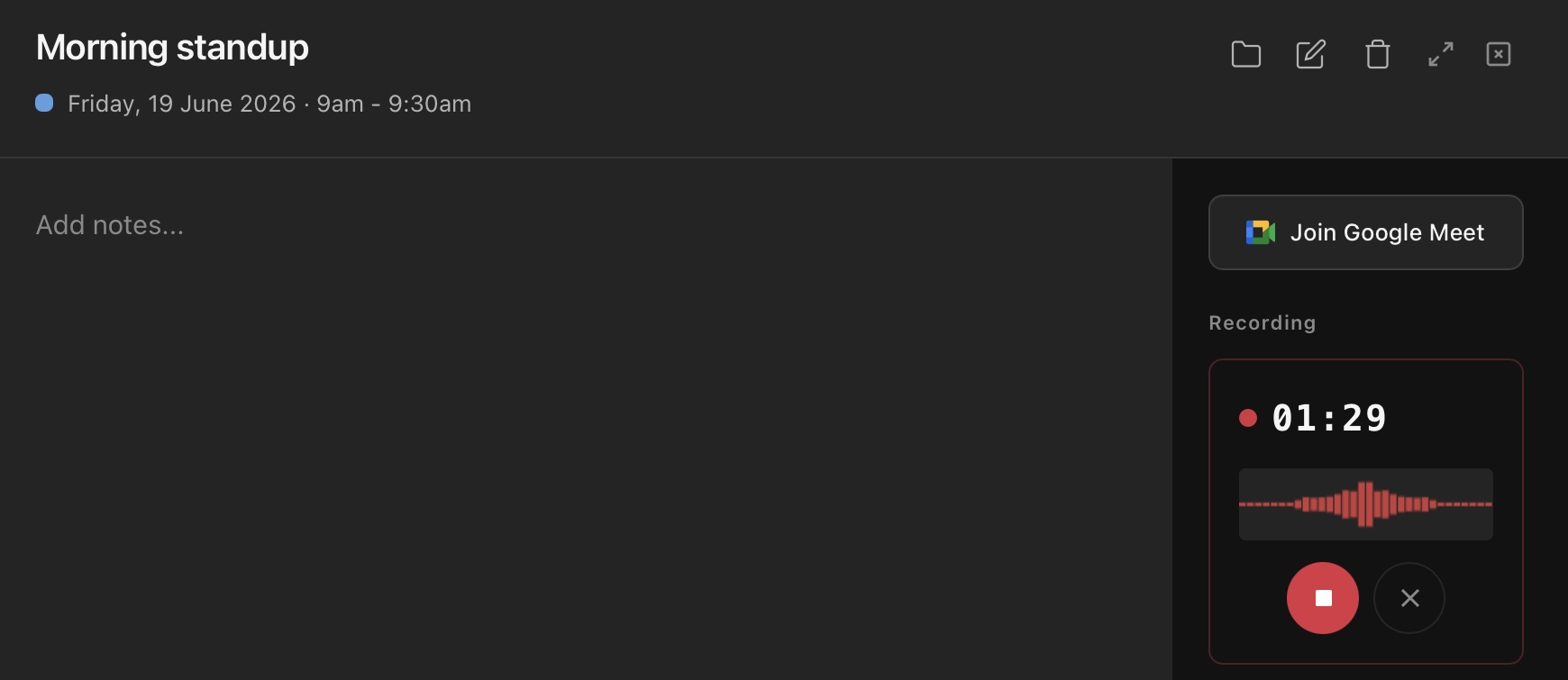
No need for Otter or Fireflies. Record, transcribe, and summarize natively.
Three tools. One app.
Tasks, notes, and calendar — connected on one timeline instead of scattered across three apps.
Tasks that actually get done
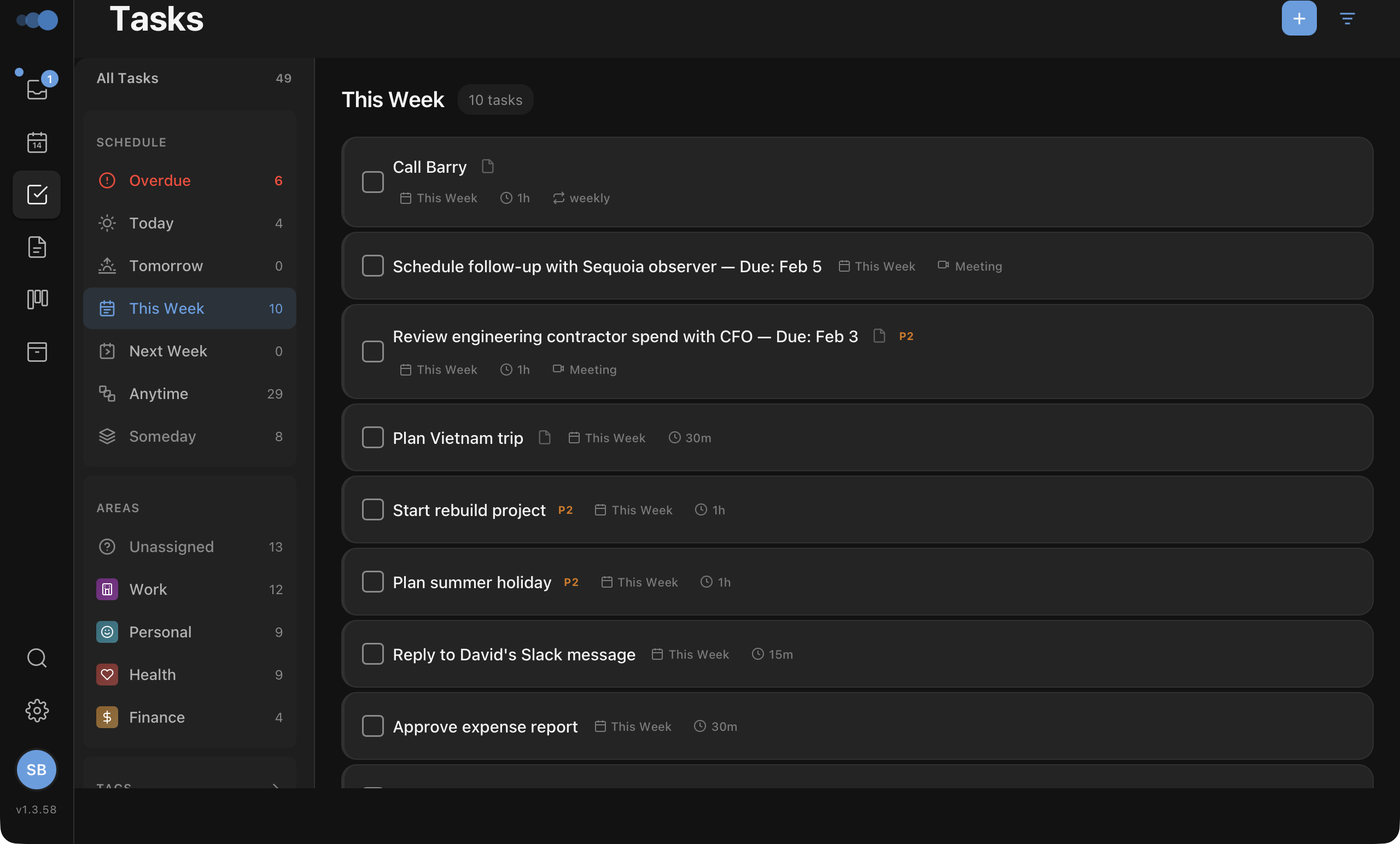
Type naturally, and Cadeo understands. Dates, priorities, and tags are parsed as you type — so capturing a task takes seconds, not clicks.
- Capture tasks in plain English — "Call dentist tomorrow at 3pm" just works
- See your work your way — kanban boards, lists, or timeline
- Nothing falls through — recurring tasks, deadlines, and reminders
- Share projects with your team — assignees, comments, and @mentions
Notes connected to everything
Your notes live alongside your tasks and calendar — not in a separate app. Meeting notes link to their event. Project notes link to their tasks. Context is never lost.
- Write in a rich editor — code, tables, callouts, and more
- Build a daily journaling habit with one-click daily notes
- Find anything instantly with Smart Folders and full-text search
AI that works, not just answers
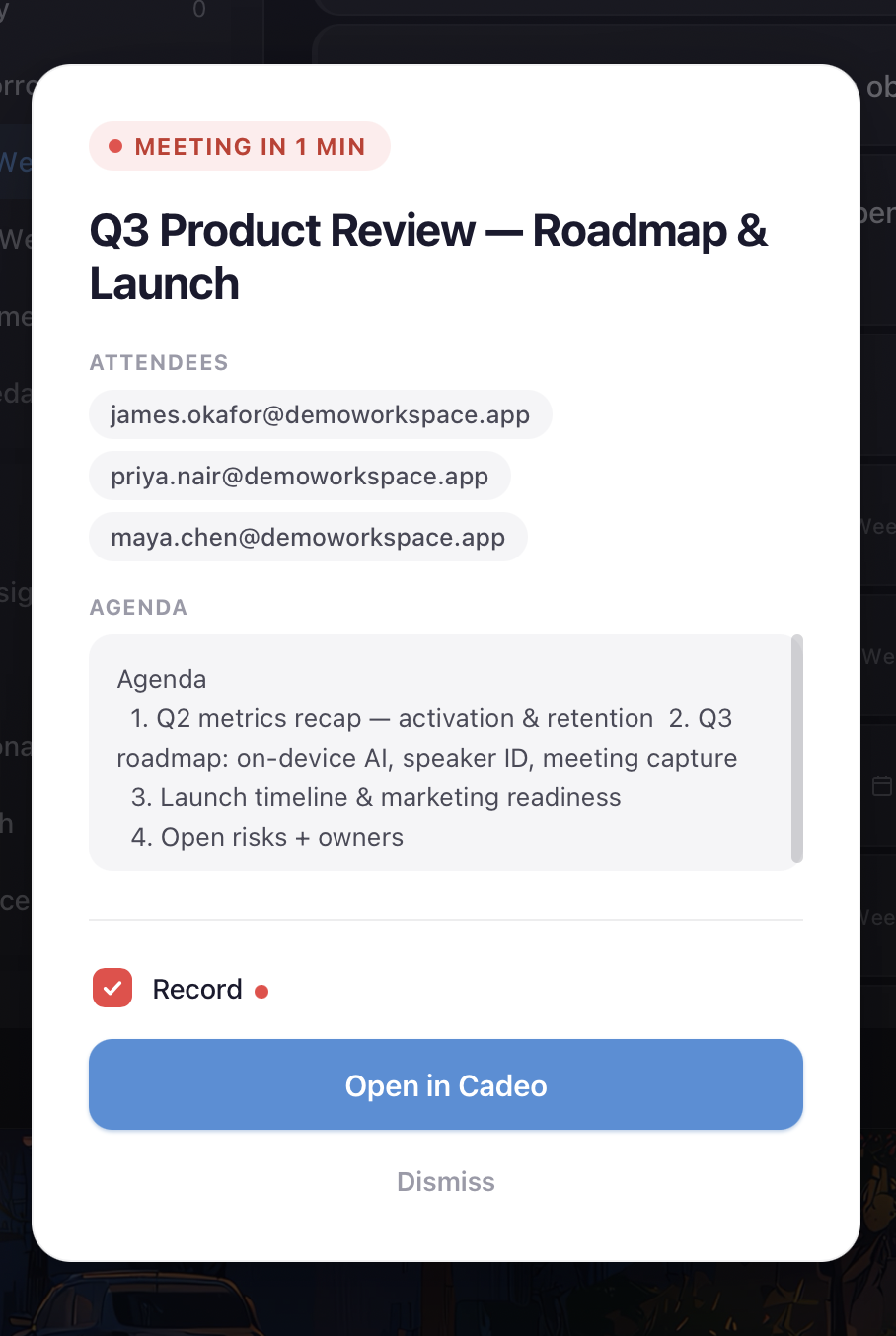
Record meetings and get transcripts automatically. Then let AI plan your day, triage your inbox, and summarize everything — so you spend time doing, not organizing.
- Never take meeting notes again — AI transcribes and summarizes
- One tap plans your entire day around deadlines and energy
- Ask AI anything across your tasks, notes, and recordings
One workspace. Every device.
Web app. Native macOS desktop. iOS with Apple Calendar sync. Your data stays in sync across everything.
Simple pricing
- 3 areas
- 10 projects
- 500 MB storage
- 10 AI requests/day
- 30 min transcription/mo
- 1 team member
- Unlimited areas & projects
- 5 GB storage
- Unlimited AI requests
- 10 hrs transcription/mo
- Recurring tasks
- Export PDF/CSV
- 1 team member
- Everything in Personal
- Unlimited storage
- Unlimited transcription
- Up to 5 team members
- Beta features
- API access Coming Soon
Questions? Answers.
Yes. Your data is encrypted at rest and in transit. Cadeo's on-device AI runs locally on your machine — your notes, tasks, and recordings are never sent to external AI servers. Cloud sync uses Supabase with row-level security.
Not yet, but it's on the roadmap. In the meantime, you can start fresh — most users find the inbox workflow captures everything they need within a few days.
Beta users keep their data and get early-adopter pricing. When we launch, the Free tier remains free forever — you'll only pay if you want premium features like unlimited AI or more storage.
The macOS desktop app supports on-device AI (powered by Ollama), so AI features work offline. Tasks and notes sync when you're back online. The web app requires a connection.
Cadeo runs on the web (any browser), macOS (native desktop app), and iOS (native iPhone and iPad app with Apple Calendar sync). All platforms stay in sync.
Always improving
We ship fast. Here's what's new.
New users now get a guided product tour, interactive checklist, and demo content to get up to speed in minutes.
Organise notes with custom filter rules. Create a folder, set your criteria, and matching notes appear automatically.
One-tap daily planning. AI reads your tasks, deadlines, and calendar to build an optimised schedule for the day.
Your day, designed.
Join the beta. Free to start, no credit card required.
Try Cadeo Beta FreeAvailable on Web, macOS & iOS
Not ready yet? Get product updates.